Meet the new functionality update for the Social Media tool — a big one! Our analytical methods are now extremely convenient and helpful.
Let’s not beat around the bush: we’re going to take a look at the updated elements:
Competitors Comparison table for the Audience report:
The table now has the same viewing options as a similar table on "Overview"
Numbers, showing audience can now be viewed in absolute values, which provides more realistic and accurate conclusions
Numerical values are now much larger in size and placed one under another, which allows for easier comparison
The sorting interface has been changed
Analyzed companies are now listed one under another for an easier read
You can now switch from one company to another by clicking on a company name in the Comparison chart
The upper table of the Engagement report:
A visual distribution of engagement by engagement type has been added
An outgoing link to a corresponding social profile has been added to allow for quick navigation to an original profile
Numerical data on engagement types is now presented in a table view
Engagement values are now displayed one under another (it's easier to compare numbers this way)
Absolute change values have been added, in order to show which type of engagement has changed the most
Сompetition comparison charts in the Overview, Audience and Engagement reports: A Hide button has been added:
If among the added competitors one is dominating, it may be difficult to see how the rest of your competitors are compared. Now there's a way to disable such competitors from the view – just use the Hide button.
"Engagement" report: competitors comparison table has been added:
Change in engagement is now viewed in absolute values
Numerical data became larger in size
Sorting interface has been changed
Analyzed companies are now displayed one under another
Easily switch from one company to another by clicking on a company name
Be sure to check it out and get your analytical data faster than before.
Our tool has been updated according to your feedback, so please continue making SEMrush better by emailing us at smm-tool-feedback@semrush.com.
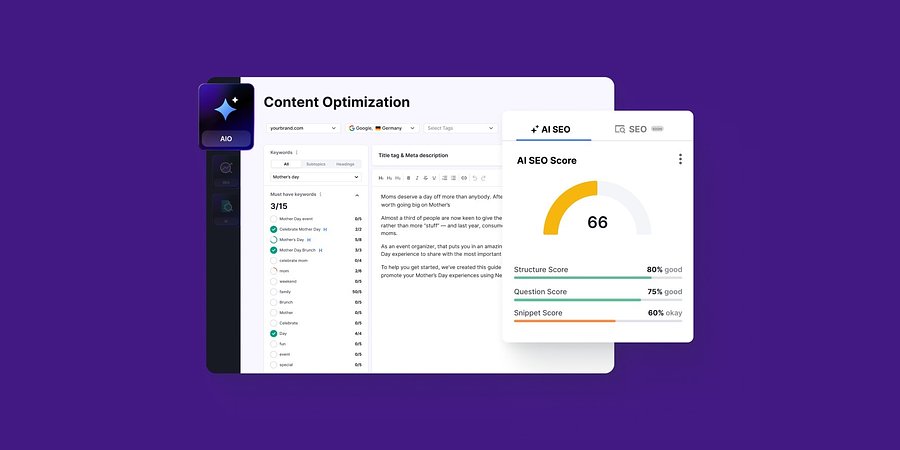
Semrush Enterprise AI Optimization Launches New Content Audit & Optimization Capabilities
New capabilities in Semrush Enterprise AI Optimization help brands audit and optimize content for maximum visibility across LLMs
Product News
November 24, 2025
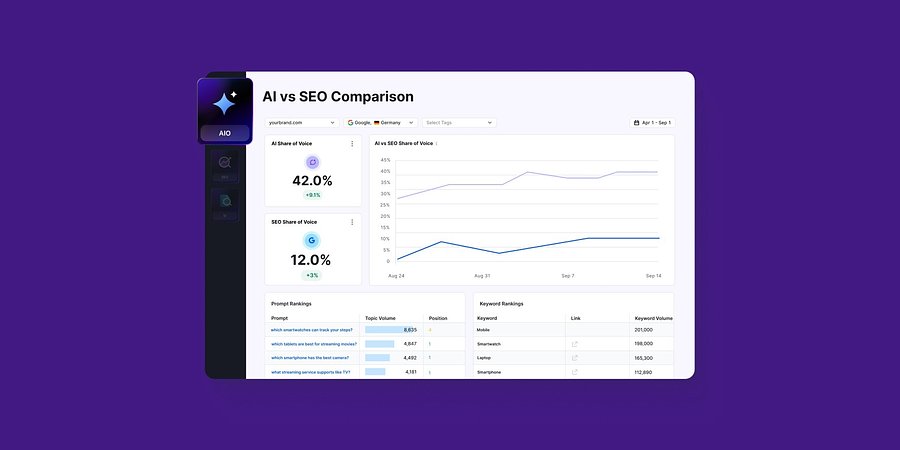
Semrush Enterprise AI Optimization Launches AI vs SEO Comparison to Show Performance Across Search Engines and AI
Industry-first reporting unifies AI and SEO visibility, giving marketers a complete understanding of their search performance.
Product News
November 7, 2025
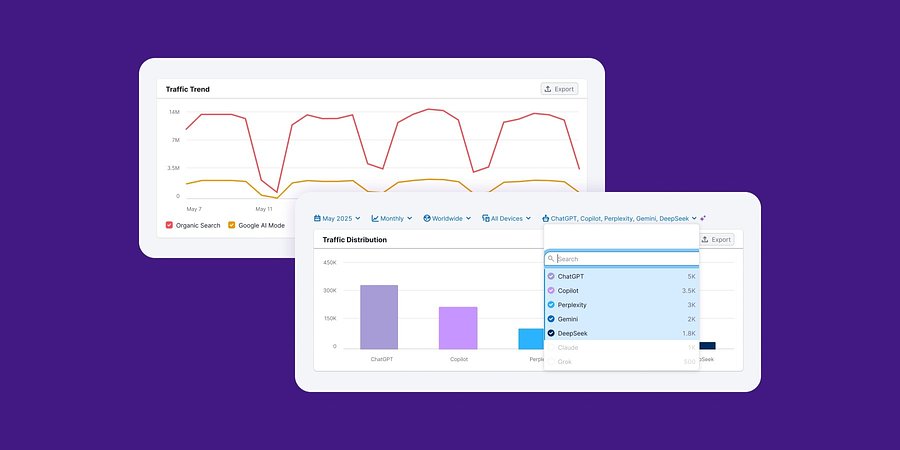
Traffic & Market Toolkit Expands with AI Traffic and Google AI Mode
The Semrush Traffic & Market Toolkit has introduced traffic data for AI Channels across the entire toolkit. This October 2025 update allows users to understand how traffic from AI assistants and Google’s AI Mode experience affects competitor visibility and industry-w...